Quick answer: Sign in with a free account and open Insights. For the last 7, 30 or 90 days it shows Transfers sent, Downloads, Unique downloaders, Data delivered, Form answers and NDA signatures, each compared with the previous period, plus Most downloaded, Opened, not downloaded, countries, devices, time to first download, downloads by weekday and download completion. Export CSV gives one row per day and one per link, and the optional Weekly email arrives on Monday mornings.
What it does and when to use it
Insights is a private dashboard for everything you sent while signed in. It answers questions a single transfer cannot.
- A photographer delivering 15 galleries a month wants to see which clients never downloaded, before the links expire.
- A course creator giving away files wants to know which countries and devices the audience uses, and how many form answers came in.
- A small agency needs monthly numbers for a client report or an invoice: downloads and data delivered, as a spreadsheet.
Open Insights step by step
- Sign in, or create a free account. Only transfers sent while signed in are counted, so send as usual from then on.
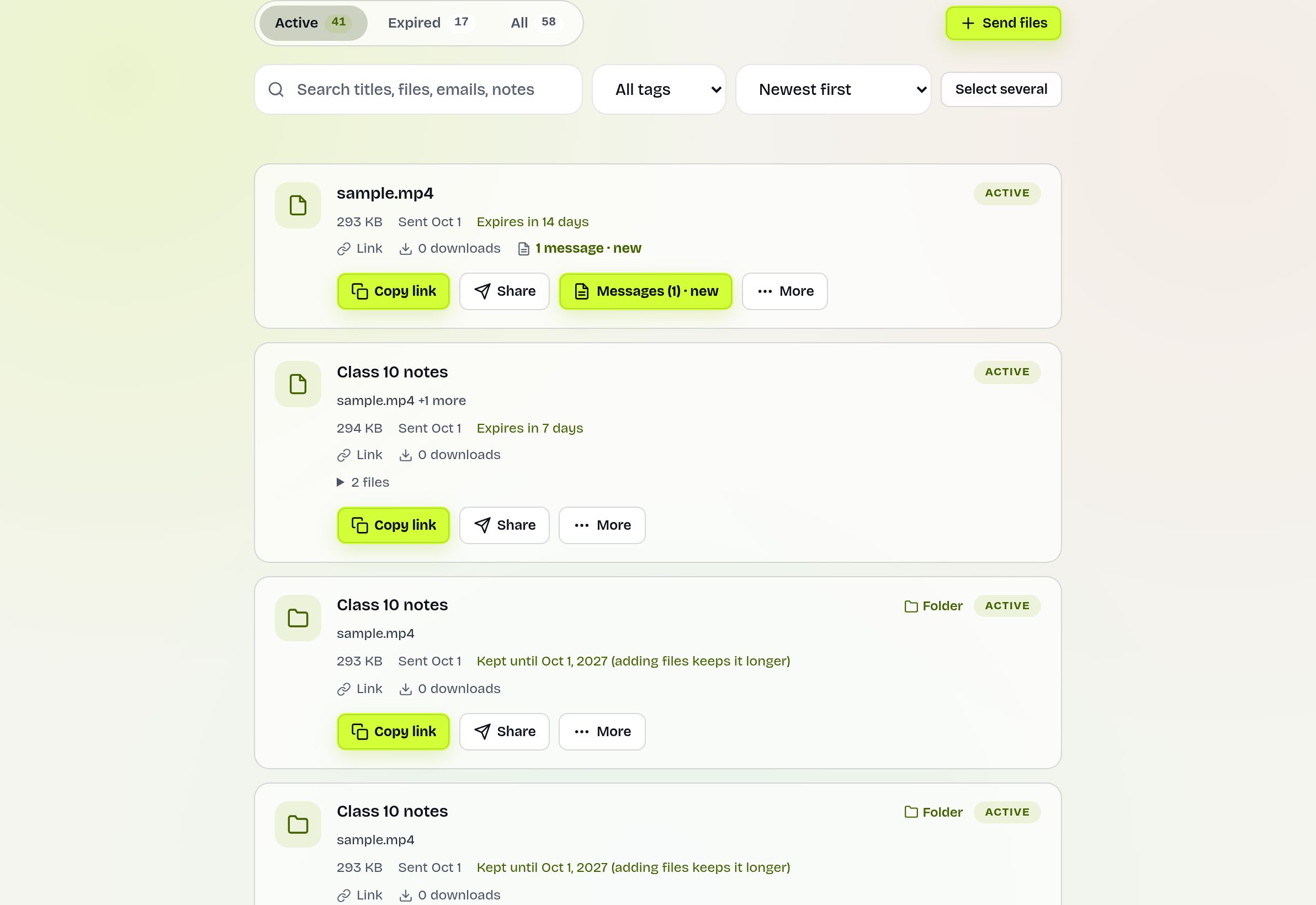
- Open Insights from your account menu, or press See insights: downloads, countries, devices at the top of your Transfers page.
- Pick Last 7 days, Last 30 days or Last 90 days.
- Click a link's name in Most downloaded or Opened, not downloaded to see the same numbers for that one transfer; All transfers takes you back.
- Press Export CSV to download the range as a spreadsheet.
What the numbers mean
| Number | Meaning |
|---|---|
| Downloads | Each Download all (or the only file), plus the first file someone saves one by one in a visit. Downloading twice counts twice. |
| Unique downloaders | Different people. A confirmed or recipient email counts once; anyone else counts once per browser. |
| Data delivered | The size of what those downloads asked for, including ones that may not have finished. |
| Opened, not downloaded | People who opened a link but have not downloaded it: worth a reminder. |
| Time to first download | The middle value of the time from sending to the first download. |
| Download completion | How many downloads that started also finished. |
Every chart has a Show as a table button, and IP addresses are never shown. Your own visits to your links are not counted.
A worked example
Meera runs a wedding photo studio. On Last 30 days she sees 22 transfers sent, 61 downloads and 48 unique downloaders, up on the previous 30 days. Opened, not downloaded lists two couples who looked at their gallery link but never saved it. She opens each transfer on the Transfers page, presses Send a reminder, and the next week both appear under downloads. At month end she presses Export CSV and adds the per-link rows to her client records.
Export and weekly email
- Export CSV downloads the chosen range: daily rows (transfers, opens, downloads, data), then one row per link. It opens in Excel or Google Sheets.
- Weekly email is off until you switch it on at the bottom of Insights. It covers Monday to Sunday, arrives on Monday morning in your time zone, skips quiet weeks and has a one-click unsubscribe.
Who sees what
Insights is private to your account. Recipients see nothing of it, and you see only your own transfers. For a single transfer, with or without an account, the Transfers page already has Stats and Who opened it; see download tracking. Insights adds the view across all transfers, the comparison with the previous period and the export.
Limits and what it does not do
- Transfers sent as a guest, before you signed in, do not appear.
- Countries come from IP addresses and are approximate; VPNs show the VPN's country.
- One person on a phone and a laptop counts as two unique downloaders unless they confirmed their email.
- Download managers and paused downloads can make completion look lower than it is. "Download all" is one ZIP, so it cannot tell which files inside were opened.
- Very busy ranges are capped; the page says so and suggests a shorter range.
Troubleshooting
- Everything shows zero: you have not sent anything while signed in to this account yet.
- A note says the activity log is switched off: opens and downloads are not being recorded on the site at the moment.
- No completion numbers: on some setups files are delivered by another server, so finishes cannot be seen.
- A link is missing from Most downloaded: it had no downloads in the chosen range. Pick Last 90 days, or open the link from the Transfers page.
- You tested your own link and nothing changed: your own visits are left out on purpose, so the numbers show only other people.
Frequently asked questions
Is there an analytics dashboard for my file transfers?
Yes. Sign in and open Insights for downloads, people, countries, devices and more across all your transfers.
Can I export my download statistics?
Yes. Export CSV gives daily totals and one row per link for the chosen range.
Can I get a weekly report by email?
Yes. Switch on Weekly email on the Insights page. It arrives on Monday mornings and has a one-click unsubscribe.
Why are my older transfers missing?
Only transfers sent while signed in to your account are counted.
Can recipients see these numbers?
No. Insights is private to your account.
Does it cost anything?
No. It is included with a free account.
Ready to send?
Drop your files, get a link, done. Free up to 20 GB — no account needed.
Send files free