Quick answer: Share Large Files Free is a free MyAirBridge alternative: up to 20 GB per transfer, no account, original quality, by link, QR code or email, with links that last 1 day and free controls such as download limits and alerts. MyAirBridge may allow larger free transfers, so compare its current limits if size is what matters most.
What MyAirBridge does well
MyAirBridge lets you send large files by email or link, and its free tier has been known for a generous size limit compared with many transfer services. Free transfers are kept for a limited time, and paid plans add longer storage, branding and more. Limits change, so check MyAirBridge's own plan page for the current numbers.
Why you might choose us instead
- No account: for you or your recipients.
- Uploads start straight away as you add files, and resume after an interruption, even after closing the tab.
- Link, QR code, download code or email.
- Free controls that are often paid elsewhere: download limits, per-person links, alerts, view-only links and NDA signatures.
Side by side
| Question | MyAirBridge (free) | Share Large Files Free |
|---|---|---|
| Size per transfer | Generous; check their plan page | Up to 20 GB |
| Files kept | Limited time on free | 1 day, extendable |
| Account to send | Check their plans | No |
| Password | Check their plans | Yes, optional |
| Download tracking | Check their plans | Yes, free |
| File quality | Original | Original |
We have kept MyAirBridge details general because its limits change; check their site for current numbers.
Free link controls beyond sending
- Download limits, release and closing times.
- Download alerts and stats, and Insights across all your transfers with a free account.
- Replace a file without a new link.
- Client review with favourites, comments and approval.
How to send a large file here
- Open the homepage and add files or a folder, up to 20 GB.
- Choose Get a link or Send by email.
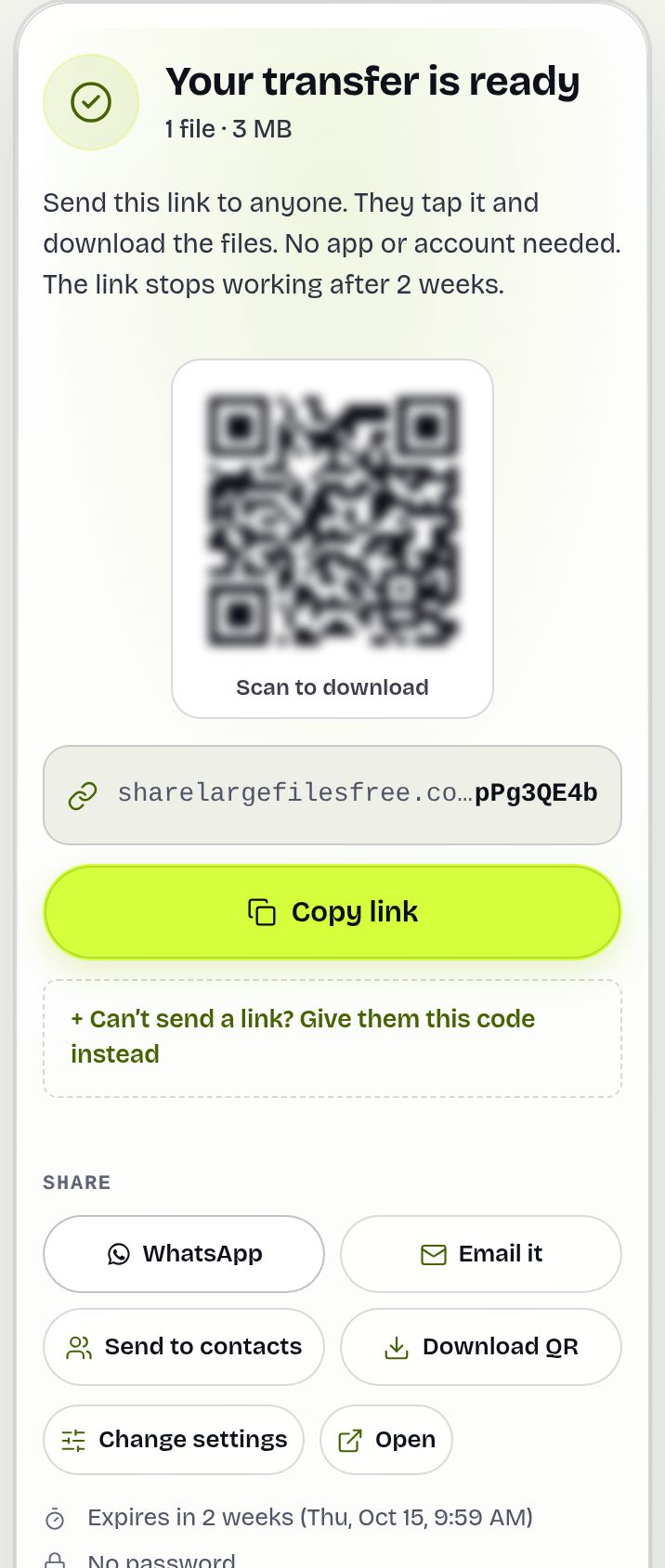
- Share the link when the upload finishes.
Bigger than 20 GB? Split it across transfers, or use a service with a larger free limit. Our comparison of file transfer services covers the options.
Share Large Files Free is independent and is not affiliated with, endorsed by or sponsored by MyAirBridge. MyAirBridge is a trademark of its owner.
Frequently asked questions
Is this a free alternative to MyAirBridge?
Yes. Send up to 20 GB per transfer free, with no account for you or your recipients.
Does MyAirBridge have a bigger free limit?
It may. Check MyAirBridge's current plan page; if you regularly send more than 20 GB in one go, a larger limit may suit you better.
Can I track downloads for free?
Yes. Tick "Email me when it's downloaded", and see every open and download on your Transfers page.
Are my files compressed?
No. Files are delivered exactly as uploaded.
Are you affiliated with MyAirBridge?
No. Share Large Files Free is an independent service.
Ready to send?
Drop your files, get a link, done. Free up to 20 GB — no account needed.
Send files free