Quick answer: Share Large Files Free is a free pCloud Transfer alternative: up to 20 GB per transfer, no account, original quality, sent by link, QR code or email, with links that last 1 day. pCloud Transfer is a solid no-account option too, with an optional password-based encryption; compare the limits that matter to you.
What pCloud Transfer does well
pCloud Transfer lets you send files to email recipients without an account. At the time of writing its free service handles transfers of several gigabytes (around 5 GB), keeps files for about a week, and can encrypt a transfer with a password you choose. It is run by pCloud, which also sells cloud storage. Check pCloud's own site for current limits.
Why you might choose us instead
- Link as well as email: copy a link for WhatsApp, Slack or anywhere, show a QR code, or read out a download code.
- Up to 20 GB and 1000 files or a folder per transfer.
- Change it later: replace a file, add recipients or extend the expiry after sending.
- Know it arrived: download alerts, a stats page and reminders for people who have not downloaded.
Side by side
| Question | pCloud Transfer (free) | Share Large Files Free |
|---|---|---|
| Size per transfer | Around 5 GB | Up to 20 GB |
| Files kept | About a week | 1 day, extendable |
| Account to send | No | No |
| Share by link | Check their current options | Yes, plus QR code and download code |
| Password | Yes, with encryption | Yes, optional (not end-to-end encrypted) |
| File quality | Original | Original |
Details for pCloud Transfer reflect its public pages at the time of writing and may change. Check their site for current limits.
When pCloud Transfer may suit you better
If you want files encrypted with a password before they are stored, pCloud Transfer's encryption option is a real advantage: we encrypt transfers in transit with HTTPS but do not offer end-to-end encryption (see our security page). You can get similar protection here by sending a password-protected ZIP and sharing the password separately.
How to send a large file here
- Open the homepage and add files or a folder.
- Choose Get a link or Send by email, and add a password if you like.
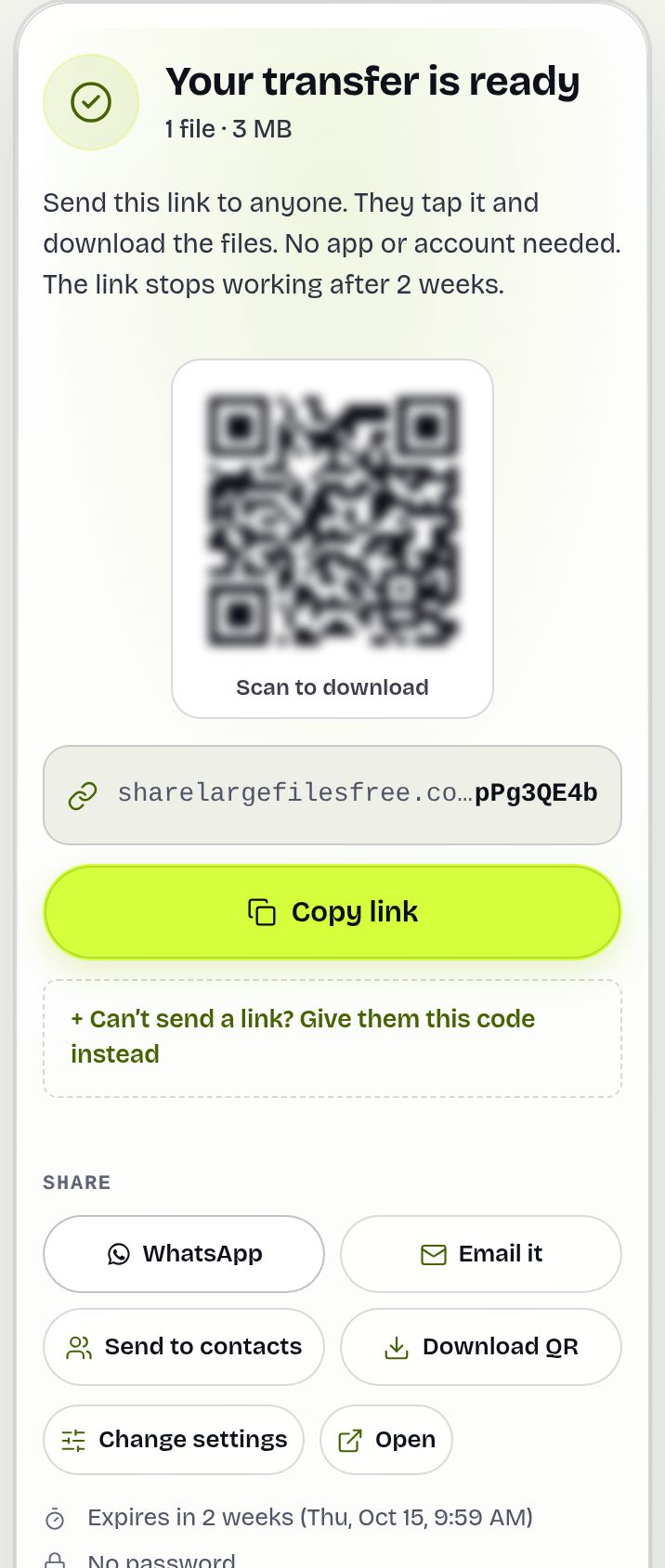
- Share the link, QR code or code, or let us email your recipients.
Share Large Files Free is independent and is not affiliated with, endorsed by or sponsored by pCloud. pCloud is a trademark of its owner.
Frequently asked questions
Is this a free alternative to pCloud Transfer?
Yes. Send up to 20 GB per transfer free, with no account for you or your recipients.
Can I send a link instead of an email?
Yes. Choose Get a link, then copy it, show the QR code or share the download code.
Is my transfer encrypted?
Transfers use HTTPS in transit. End-to-end encryption is not offered, so for very sensitive files encrypt them yourself first, for example as a password-protected ZIP.
How long do links last here?
Links expire after 1 day. You can extend or delete a transfer from the Transfers page.
Are you affiliated with pCloud?
No. Share Large Files Free is an independent service.
Ready to send?
Drop your files, get a link, done. Free up to 20 GB — no account needed.
Send files free