Quick answer: Share Large Files Free is a browser-based Send Anywhere alternative: up to 20 GB per transfer, no app and no account, with a link, QR code, short download code or email that lasts 1 day. Send Anywhere's key-based transfers suit two devices that are online at the same moment, especially with its apps.
What Send Anywhere does well
Send Anywhere lets you send files between devices with a 6-digit key that the other person types in. With its apps, a direct transfer between two devices that are online at the same time can move very large files without first storing them on a server. It also offers share links for sending later. At the time of writing the key is valid only for a short time (minutes), and links on the free plan last a limited time; check Send Anywhere's own site for current details.
Why you might choose us instead
- No app on either side: everything works in the browser on phones and computers.
- No need to be online together: the recipient can download any time within 1 day.
- A code that lasts: every link transfer has a short download code typed at /receive, valid as long as the transfer.
- QR code and printable poster for handing files over in person.
- Stay in control: passwords, download limits, alerts, and changing files after sending.
Side by side
| Question | Send Anywhere | Share Large Files Free |
|---|---|---|
| Main way to send | 6-digit key, or a link | Link, QR code, download code or email |
| App needed | Recommended for the biggest transfers | No |
| Recipient must be ready at once | For key transfers, yes | No |
| Size per transfer | Depends on method and plan | Up to 20 GB |
| Availability | Key: minutes; links: limited time | 1 day, extendable |
| Account to send | Not for basic use | No |
Details for Send Anywhere reflect its public pages at the time of writing and may change. Check their site for current limits.
Free link controls beyond sending
- Download limits in total and per person, with release and closing times.
- Download alerts and a stats page for every transfer.
- A personal link per recipient, each switchable.
- View-only links, NDA signatures and country rules.
How to send a large file here
- Open the homepage and add your files; the upload starts at once.
- Choose Get a link or Send by email.
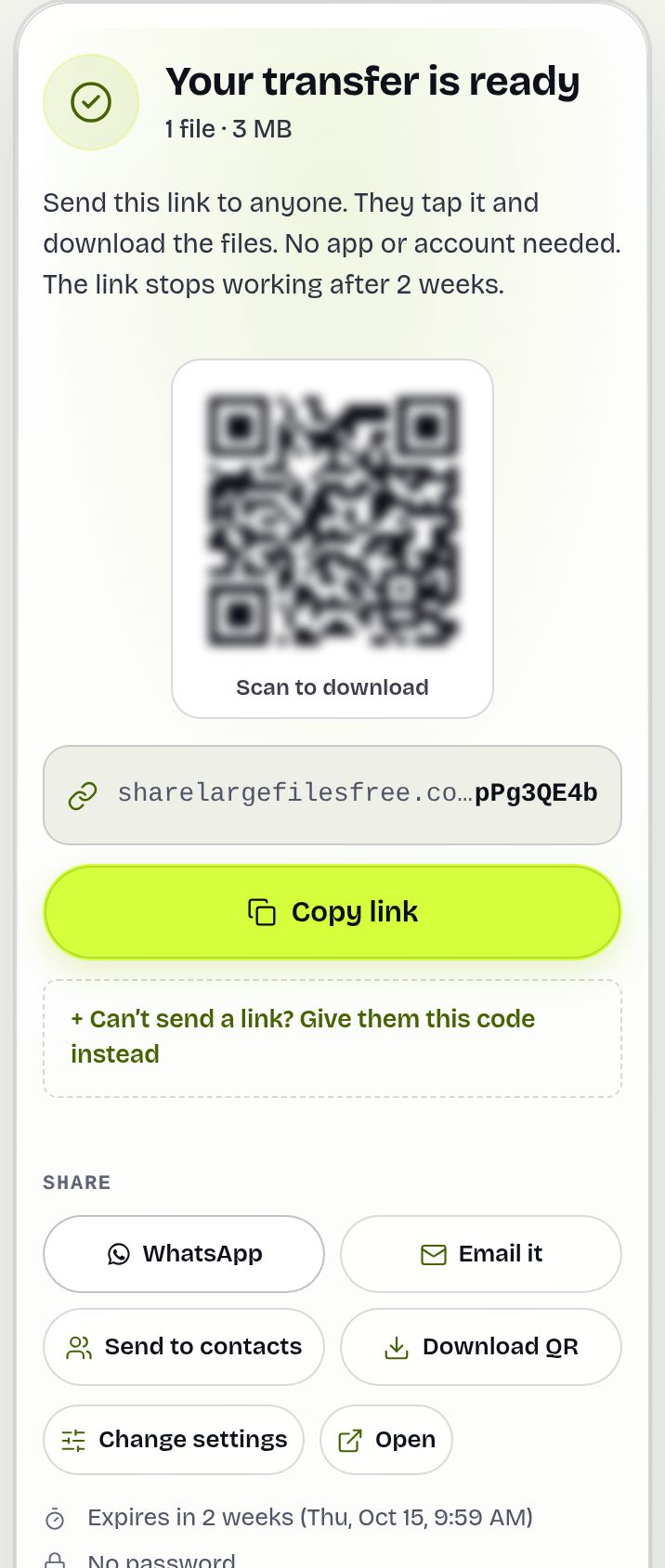
- Share the link, show the QR code, or read out the download code.
Both devices in the same room and both have Send Anywhere installed? Its direct transfer may be quicker. Sending to someone who will download later? A link is simpler.
Share Large Files Free is independent and is not affiliated with, endorsed by or sponsored by Send Anywhere. Send Anywhere is a trademark of its owner.
Frequently asked questions
Is this a free alternative to Send Anywhere?
Yes. Send up to 20 GB per transfer free, with no app and no account for you or your recipients.
Is there a code like Send Anywhere's key?
Yes. Every link transfer has a short download code that the recipient types at /receive. It works as long as the transfer, not just a few minutes.
Does the recipient need to be online at the same time?
No. They can download any time before the link expires after 1 day.
Are my files compressed?
No. Files are delivered exactly as uploaded.
Are you affiliated with Send Anywhere?
No. Share Large Files Free is an independent service.
Ready to send?
Drop your files, get a link, done. Free up to 20 GB — no account needed.
Send files free