Quick answer: Share Large Files Free is a free TransferXL alternative: up to 20 GB per transfer, no account, original quality, an album view for photos and videos, and free download tracking, with links that last 1 day. TransferXL offers end-to-end encryption options, which we do not, so choose it when that matters most.
What TransferXL does well
TransferXL lets you send files by link or email, shows previews of images and other files to recipients, and offers optional end-to-end encryption. At the time of writing its free tier covers transfers of a few gigabytes kept for about a week, with larger limits and longer storage on paid plans. Check TransferXL's own pages for current details.
Why you might choose us instead
- Up to 20 GB and 1000 files per transfer, with no account.
- Album view: photo and video transfers open as a browsable grid with Download selected.
- SHA-256 checksums on the download page, so recipients can prove their copy is complete.
- Free controls: download limits, per-person links, alerts, client review and replacing files after sending.
Side by side
| Question | TransferXL (free) | Share Large Files Free |
|---|---|---|
| Size per transfer | A few GB; check their plans | Up to 20 GB |
| Files kept | About a week | 1 day, extendable |
| Account to send | Check their plans | No |
| Previews for recipients | Yes | Yes, with album view |
| End-to-end encryption | Optional | No (HTTPS in transit) |
| File quality | Original | Original |
Details for TransferXL reflect its public pages at the time of writing and may change.
If you need encryption
We would rather be clear: transfers here are encrypted in transit but not end-to-end. If that is a requirement, use TransferXL's encrypted option, or encrypt the files yourself before uploading, for example with a password-protected ZIP, and send the password another way. Our security page explains the rest.
How to send a large file here
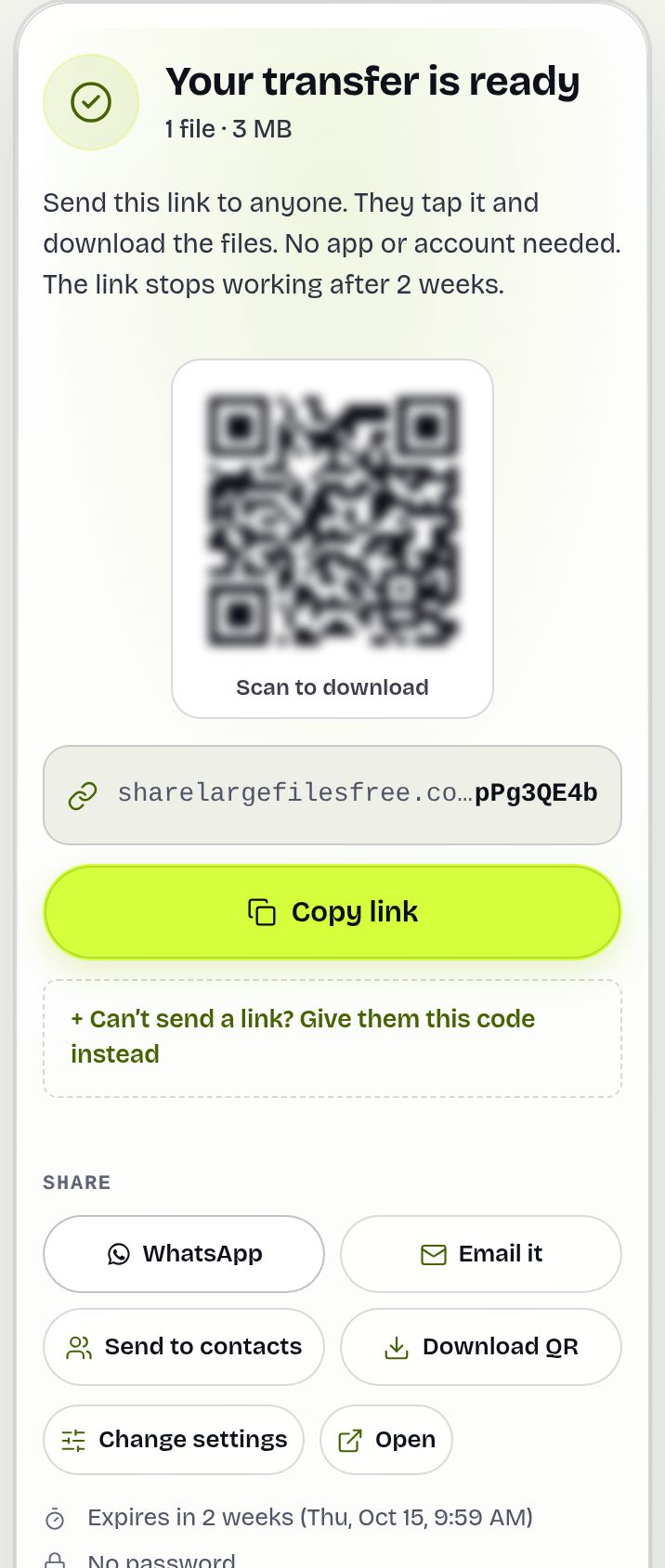
- Open the homepage and add files or a folder.
- Choose Get a link or Send by email, and add a password if you like.
- Share the link when the upload finishes.
Share Large Files Free is independent and is not affiliated with, endorsed by or sponsored by TransferXL. TransferXL is a trademark of its owner.
Frequently asked questions
Is this a free alternative to TransferXL?
Yes. Send up to 20 GB per transfer free, with no account for you or your recipients.
Can recipients preview photos and videos?
Yes. Photo and video transfers open as an album with a full-screen viewer, and they can download only what they pick.
Do you offer end-to-end encryption?
No. Transfers use HTTPS in transit. Encrypt very sensitive files yourself before uploading.
How long do links last here?
Links expire after 1 day. You can extend or delete a transfer from the Transfers page.
Are you affiliated with TransferXL?
No. Share Large Files Free is an independent service.
Ready to send?
Drop your files, get a link, done. Free up to 20 GB — no account needed.
Send files free